

Melee
Walrus Audio
This offer was fetched from reverb.com. You cannot contact the seller via ModularGrid. You have to visit their site.
Look up onOffer Details
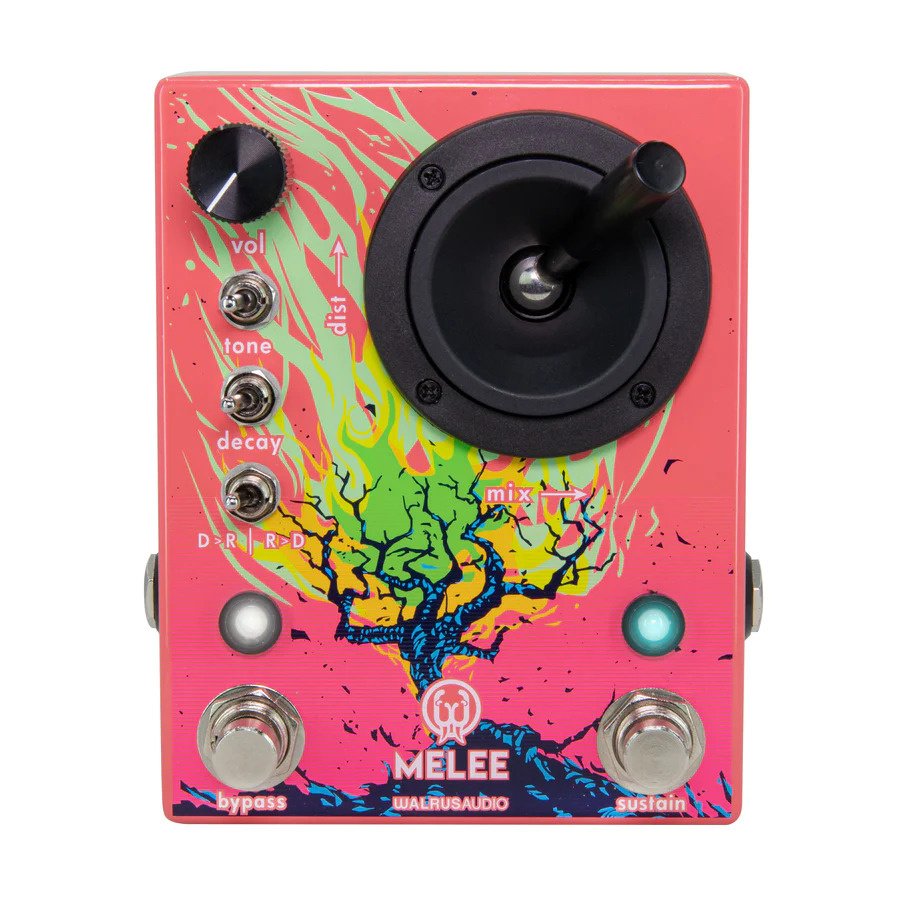
Used Walrus Audio Melee 'Wall of Noise' distortion/reverb pedalExcellent condition! Includes original box.In a less is more approach, we’ve intentionally decided on controls that are fun to use and will inspire a wealth of creative output. Use the joystick to control the amount of distortion by moving it up and down. Moving the joystick left and right will adjust your reverb mix. The tone and decay toggles have low, medium, and high settings. Modulation can be added to the wet signal by holding down the bypass switch and moving the decay toggle. The left position is no modulation, the middle is a slight modulation, and the right is a high modulation. ALGORITHMS The Melee is equipped with three different reverb programs, which can be changed by simultaneously pressing the bypass and sustain stomp switches. Experiment with the order toggle switch to hear how differently these all react in front and after the distortion! • Ambient Reverb (Pink LED) - Huge reverb capable of massive trails and engulfing your chords into an angry wash of sound. Great for soaring melodic lines or shoegaze-driven chord progressions. • Octave Down Reverb (Yellow LED) - Similar to the Dark mode in the , you’ll find an eerie lower octave hovering in the reverb trail for a nice and dark atmospheric touch. • Reverse Reverb with Feedback (Blue LED) - Add reversed reverb trails back into your signal, create gentle melodies or push into reverse feedback overload. Big, slow, and sad chords love to hang out here. MOMENTARY Press and hold the sustain switch to ramp up the reverb trails. Release and the trails will ramp back down to where the decay switch is currently set. The sustain switch can also latch in all three programs. Press and release the Sustain switch to capture and sustain the current reverb decay for long pad-like sounds in your wet mix. Press again to release the latch, and the reverb trail will taper off based on the position of the decay knob.
Used Price History
If you had an Unicorn Account you could see a chart with the price development of this module and the average price asked for this module.
About the Unicorn Account