- Dimensions
- 1 U
Micro Module
- Current Draw
- 15 mA 5V
- Price
- $35
This Module is currently available.
 Specs are approved by the manufacturer
MG ID: 47040
MIDI Clock Divider (micro-module)
mdiv is a 4-channel clock division module, replicating the CLK output of the mb/1 for additional clock signals with individual division and offset parameters.
The clock signals can be connected to existing modules, for example to drive a sequencer, and the WebMIDI configuration application written for the mb/1 can be used to also edit the clock sub-division and offset values for each channel independently — so that a slower clock pulse can be generated, as well as adding a delay before the clock starts.
Controls
None. A web-based editor for clock division can be found here: can be found here where each of the 4 clock-division outputs can be edited individually.
Connectivity
Inputs
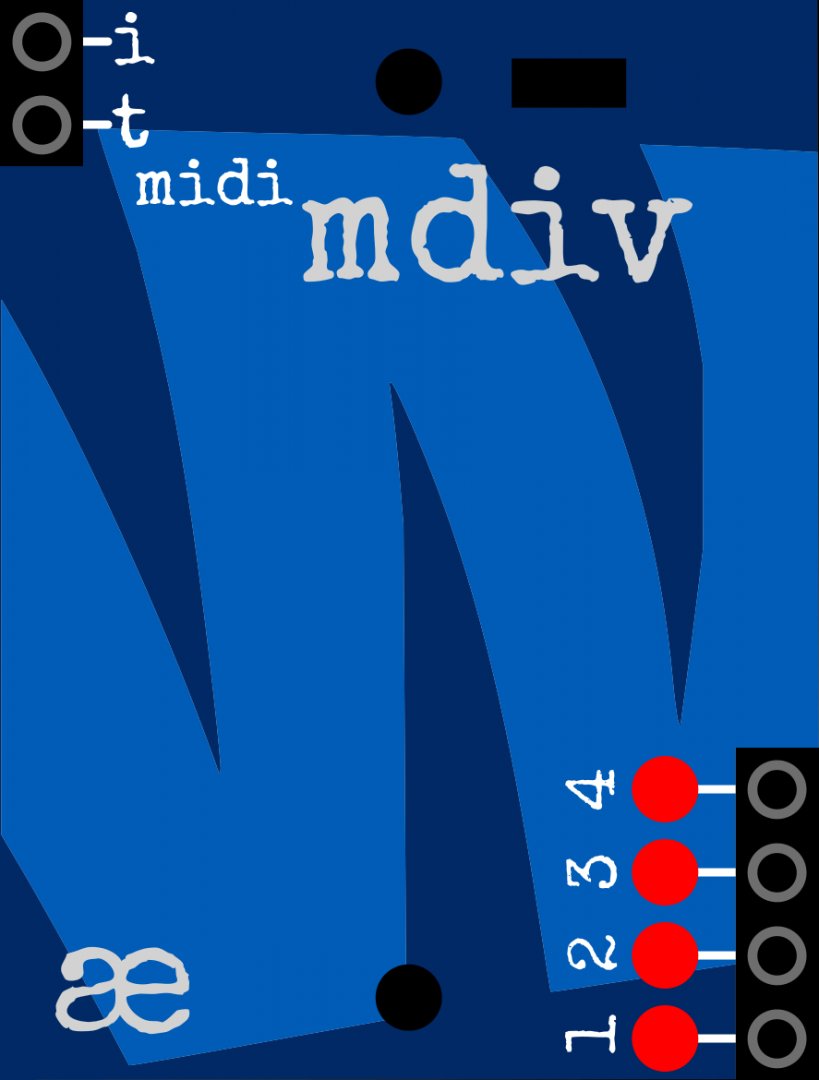
- i - the IMDI input - connect this to the appropriate output of an IMDI generator (e.g. [[/modules/wonkystuff/mb1 | mb/1]], [[/modules/tangiblewaves/imdi-heart | IMDI Heart]], [[/modules/wonkystuff/umdx | μmdx]], [[/modules/wonkystuff/cvmx | CVMx]], [[/modules/wonkystuff/mimo | mi/mo]] etc.)
Note that if using the [[/modules/wonkystuff/mb1 | mb/1]], the module must be connected to the MIDI thru output since it relies on System Real Time messages which the mb/1 does not pass through the channel outputs. If using [[/modules/wonkystuff/umdx | μmdx]] any output can be used.
Outputs
- t (left side): IMDI Thru - a buffered copy of the input data, to be connected to the IMDI input of a subsequent module.
- 1-4 Individual clock pulse trains. Each train can have its own sub-division and offset, as programmed by the web-based editor. LEDs are provided to visualise the clock signals.
MIDI Specification
The Configuration Application sends configuration data via System Exclusive messages, the available commands are below (These are the same commands as used by Kenton Electronics for their Pro Solo mkIII MIDI-CV converter).
All numeric values shown below are in hexadecimal format for clarity.
Set Clock Division
Set the division rate to be applied to the incoming 24ppqn MIDI clock signal. A table of typical division values can be found on the configuration application web page.
F0 00 20 13 1A 20 00 29 F7
deviceID— By default, this is 01 but it can be changed (see below) in the case that multiple mdiv modules are used togetherchannel— The channel to be edited (1-4). Sent as 'channel-1', so that channel 2 is addressed by sending 01division— The division rate to apply (1-128). Sent as 'division-1', so that a division of 6 (to produce 1/16th pulses) would be sent as 5.
!> NOTE: Division and offset values are not automatically stored; if the values are required to be active at the next power on, then the store command must be sent (see below).
Set Clock Offset
Sets the number of 24ppqn clocks to delay before the clock output becomes active. Applies only at the next MIDI clock-start message.
F0 00 20 13 1A 20 00 2A F7
deviceID— By default, this is 01 but it can be changed (see below) in the case that multiple mdiv modules are used togetherchannel— The channel to be edited (1-4). Sent as 'channel-1', so that channel 2 is addressed by sending 01offset— The number of MIDI clock pulses to delay before starting the clock signal output (0-127).
!> NOTE: Division and offset values are not automatically stored; if the values are required to be active at the next power on, then the store command must be sent (see below).
Store Division and Offset
Stores the currently active division and offset to the mb/1 eeprom memory.
F0 00 20 13 1A 20 00 7F 00 F7
deviceID— By default, this is 01 but it can be changed (see below) in the case that multiple mdiv modules are used togetherchannel— The channel to be edited (1-4). Sent as 'channel-1', so that channel 2 is addressed by sending 01
Change Device ID
Sets the device ID for the mdiv into eeprom memory. Note that this will set the device ID for all connected mdiv modules, typically this will be set only once so multiple chained mdiv modules can be addressed individually.
F0 00 20 13 1A 7F 20 00 41 00 F7
* newDeviceID — Valid values are in the range 1-126 in the case that multiple mdiv modules are used together
Marketplace sell and buy used modules
 Synthrotek M/DIV$32.99
 Synthrotek M/DIV$87.99
Right Now on eBay